














Upgrading VPS Plan:
Step 1: Locate Service
Step 2: Billing Overview / Upgrade
Step 3: Find the server that is applicable to your upgrade
Step 4: Checkout & pay the difference for the server
Step 5: Restart the VPS (Billing overview page or on control panel)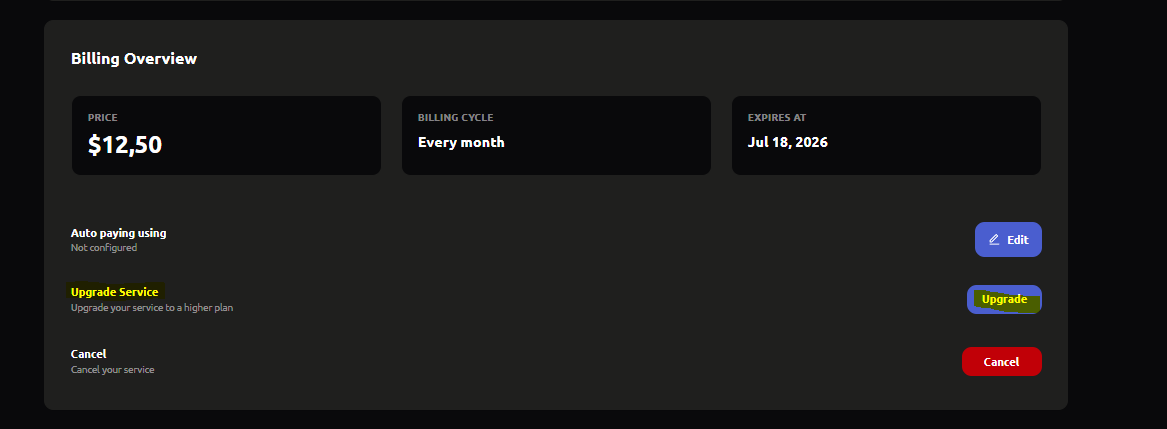
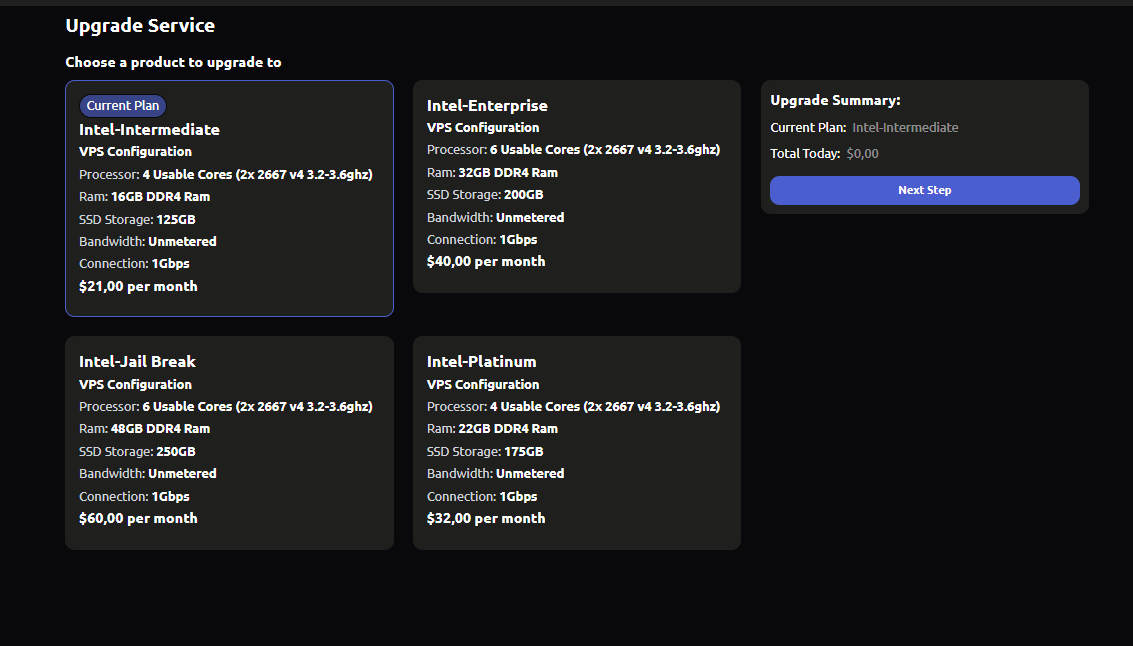
Upgrade Your Server
VPS Hosting
Do you think this article is helpful?
1 people thought this article was helpful (1 votes)